Opera Browser Ver: 9.62

Opera 9.60Free Download

Making you faster

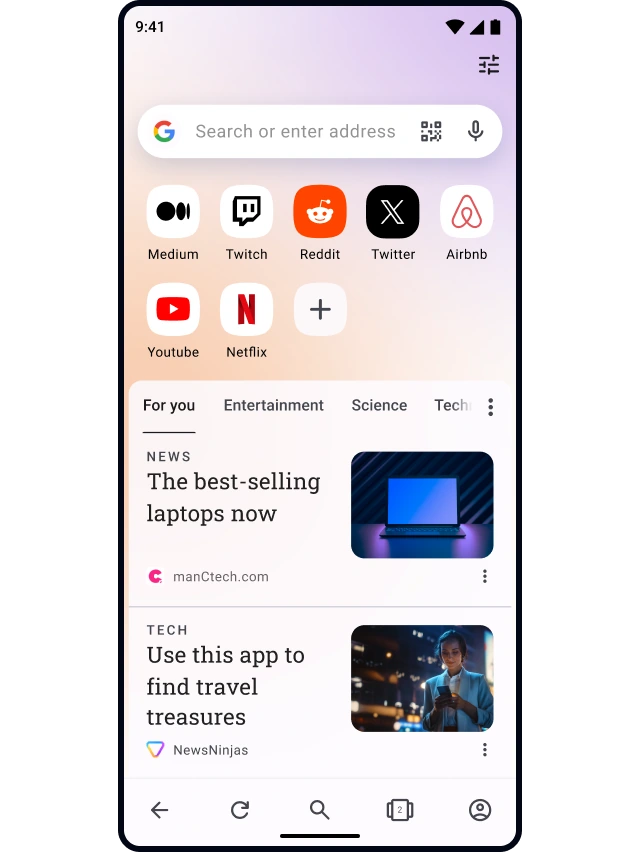
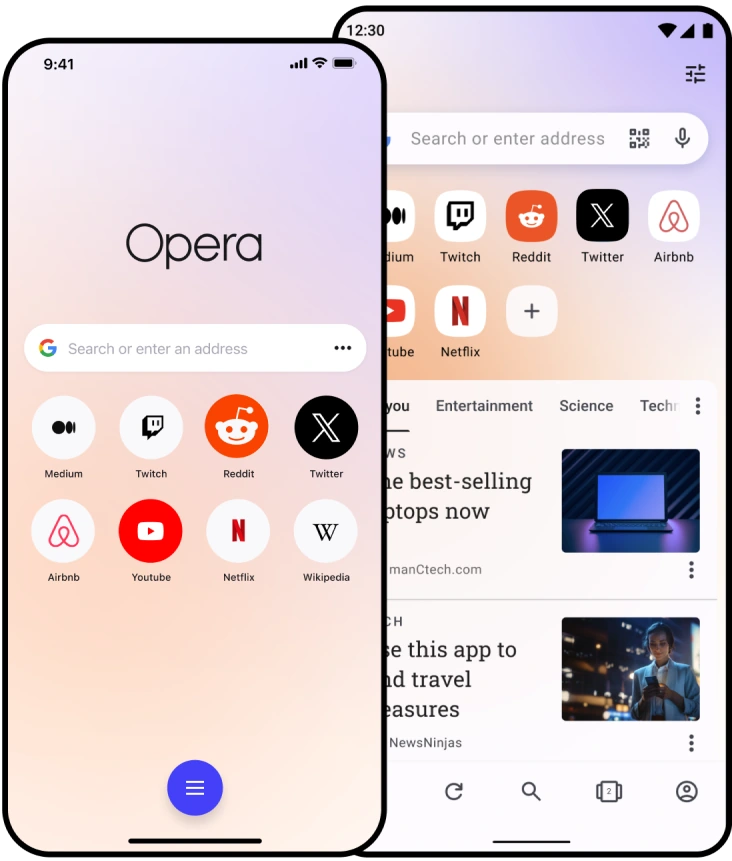
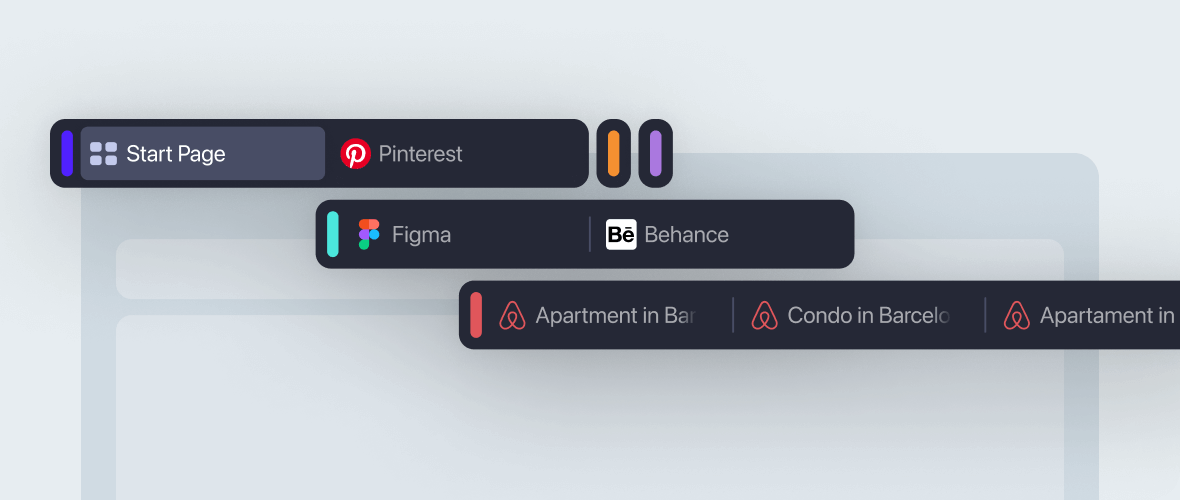
Keep your favorite sites one click away at all times with Speed Dial. Get instant gratification with search shortcuts right from the address bar. Have as many Web sites open as you need with our advanced tab management features.

Discover the new standard in Web browsing. Download Opera today to get the fastest and most powerful Web browser available and make the most of your time online.

Be Productive

Opera 9.60

Opera Link

Now Opera lets you synchronize every part of your life. Synch your Speed Dial, Bookmarks, Custom Searches, History and Notes between your work and home computer; take your bookmarks with you on your phone. View video demo to learn more.

Quick Find

Have you ever forgotten the page where you found that great article or that perfect gift? When using Opera the browser remembers not only the titles and addresses, but the actual content of the Web pages you visit.

Mouse Gestures

With Opera you can navigate the Web with your mouse. A mouse gesture is performed while clicking and holding the right mouse button and moving the mouse in an easy pattern. Perform movements with the mouse to access well-known features like “Back”, “Forward” and “Open new tab”. Like Opera's keyboard shortcuts, mouse gestures are fully customizable, so you can tailor them any way you want.

Opera Speed Dial

Speed Dial

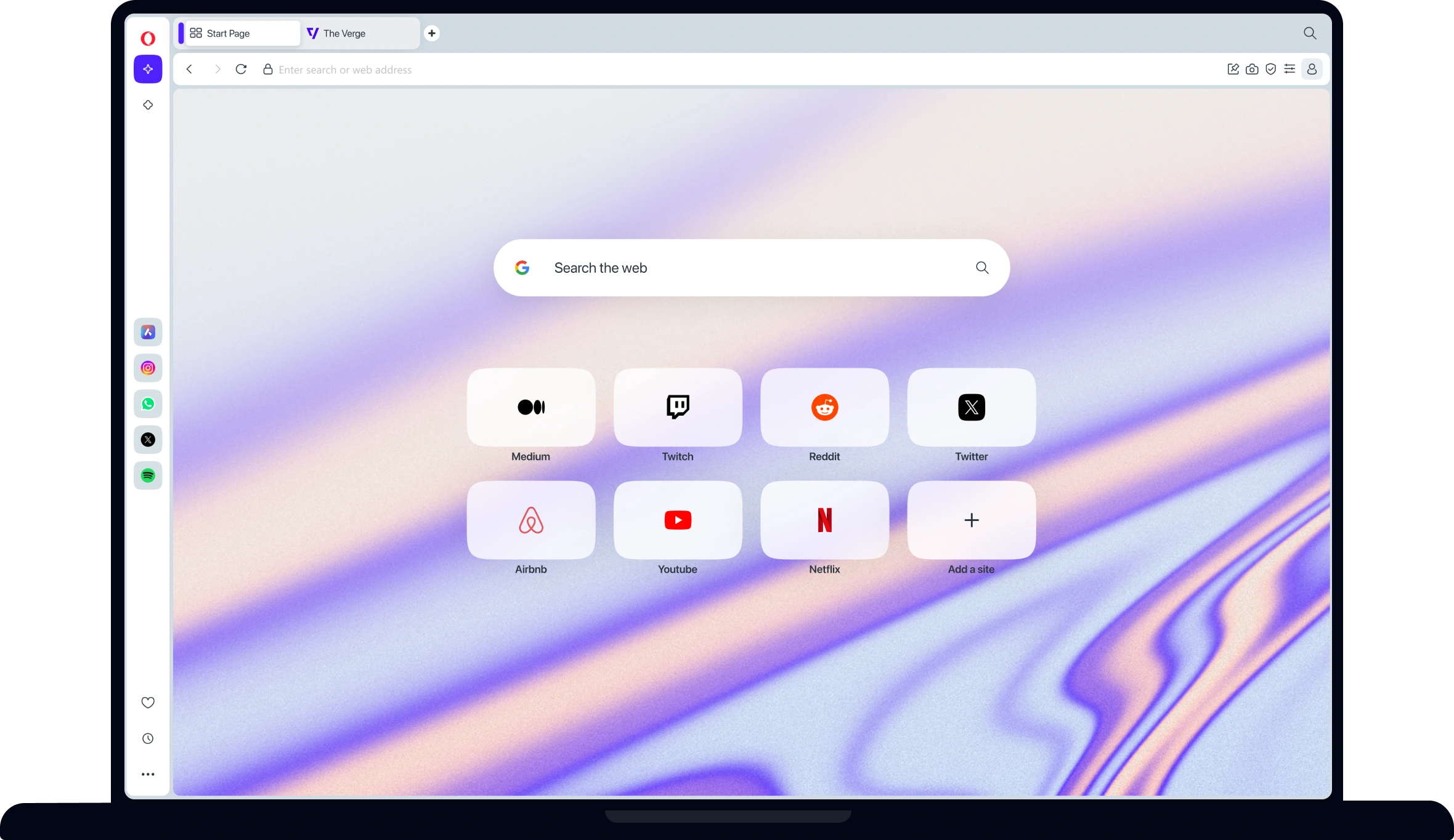
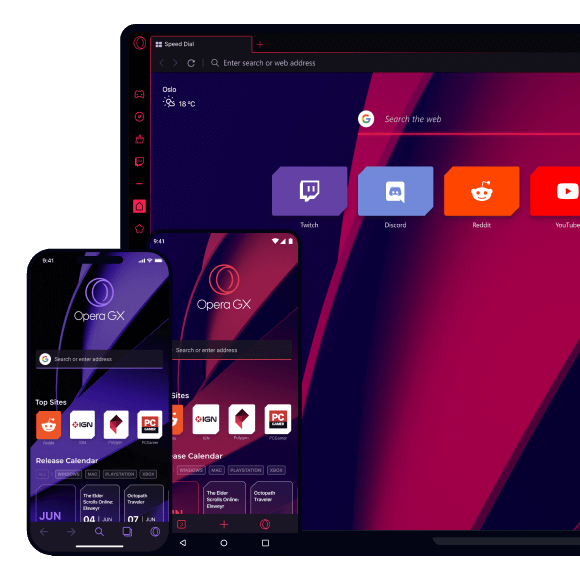
Typing addresses for sites you visit frequently is ineffective. Get your favorite Web page with just one click. Speed Dial is a set of visual bookmarks you see when you open a new tab, like a dashboard for your online life. To add a new page, simply click on an empty Speed Dial and Opera will make suggestions based on browsing history and bookmarks.

Feed Preview

Preview a Feed by clicking on the feed icon and you will see it in clean an efficient two-column layout. This makes it easier to see a feeds content before subscribing to it or even bookmarking it and quickly viewing what’s new in a page without distractions.

Master your information

Opera Mail

Opera Mail

Opera browser offers an email client designed to optimize your daily email handling requirements. It’s called Opera M2, and it organizes, indexes and sorts your messages so that you can spend more time doing the real work. Best of all, it’s built right into your browser.

Tabs and Sessions

Opera is very light on your computer, so it’s possible to have many tabs open at once. Drag and drop tabs around to change their order, or get a preview pausing over them with your mouse. You can even save a session of tabs for later, making it easy to pick up where you left off. View video demo.

Content blocking

Block images, pop-ups, and plug-ins you don't want. Right-click and choose “Block content” to selectively disable annoying elements. To make Web pages load faster, or to avoid offensive content, temporarily turn off images by pressing the image button. In Opera, smart pop-up blocking is turned on by default.

Zoom and Fit to width

Is it difficult to read the content on a page? Use Opera’s Zoom button in the lower right corner to resize Web pages. If the page is too wide for your screen, simply hit “Fit to Width” and Opera will resize the Web page so you avoid horizontal scrolling.

Works the way you want it to work

Opera customizable search

Quick and customizable Web search

Get quick access to Google, eBay, Amazon and more with the search field in the upper right corner. Or even quicker, search directly in the address bar using built-in and customizable keywords. For example, type "g Opera" in the address bar to search for “Opera” with Google. You can also create your own Web search from any search field on the Internet, simply by right clicking on a search field and choosing “Create Search”.

Customize your browser

Opera is easily customizable. Choose among hundreds of skins and setups, add or remove buttons, toolbars, or change the entire layout of the browser. It’s easy to do... or undo.

Add a Widget to your life

Widgets are small Web applications (multimedia, newsfeeds, games and more) that make your desktop experience more fun and useful. Use the Widgets menu to discover new widgets and access your favorites. Visit widgets.opera.com to learn more.

Stay Safe with Opera

Fraud Protection

Not all Web pages are what they say they are. In Opera 9.6, Fraud Protection is enabled by default, automatically detecting and warning you about fraudulent Web sites. Fraud Protection is powered with phishing information from Netcraft and PhishTank, and Malware protection from Haute Secure. Malware is malicious software hidden throughout the Web. In addition Opera 9.6 support Extended Validation certificates (EV). This provides added assurance and trust for secure Web sites. Read more about Opera Security on: www.opera.com/security/.

Malware Protection

Malware protection from Haute Secure. Malware is malicious software hidden throughout the Web.

Extended Validation Certificates

In addition Opera 9.6 supports Extended Validation certificates (EV). This provides added assurance and trust for secure Web sites. Read more about Opera Security on: www.opera.com/security/.